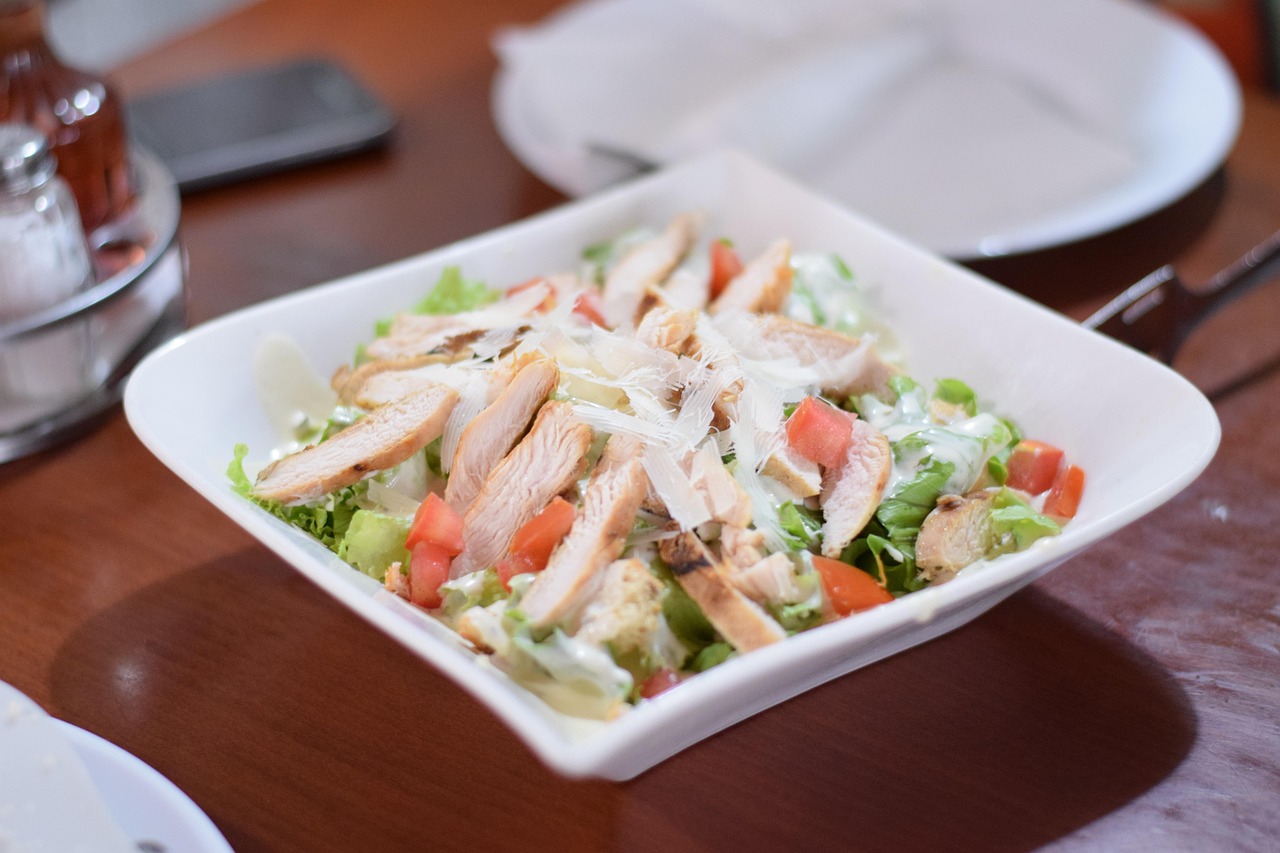
Caesar Salad with Chicken
A classic Caesar salad topped with juicy chicken breast slices, crisp romaine, ripe tomatoes, and shaved Parmesan, all tossed in a creamy Caesar dressing.
- Total time
- 30 min
- Servings
- 2
- Calories
- 520
- Protein
- 42g
Ingredients
8 items — tap to check off
Missing one? Custrd suggests a swap that works.
Open the appInstructions
Step 1
Season the 2 chicken breasts with 0.5 tsp salt and 0.25 tsp black pepper. Heat 2 tbsp olive oil in a skillet over medium-high heat until shimmering, about 2 minutes.
Step 2
Add the chicken to the skillet and cook until golden brown on the outside and cooked through (no pink inside), about 6-7 minutes per side. Transfer to a plate and let rest for 5 minutes.
Step 3
While the chicken rests, chop the 1 head of romaine into bite-sized pieces and place in a large bowl. Cut the 1 large tomato into wedges and add to the bowl.
Step 4
Slice the rested chicken into thin strips. Add the chicken to the bowl with the romaine and tomato.
Step 5
Pour 0.5 cup Caesar dressing over the salad and toss well to coat everything evenly.
Step 6
Shave the 0.5 cup Parmesan over the top and finish with a few cracks of black pepper. Serve immediately.
Tools you’ll need
- Large skillet
- Cutting board
- Chef's knife
- Large salad bowl
- Tongs or spatula
Cook smarter
Get matched recipes for what’s in your fridge
Custrd is an iPhone and Android app that finds real recipes from the ingredients you already have. No more grocery-list aspirations. Try it free for 7 days.